
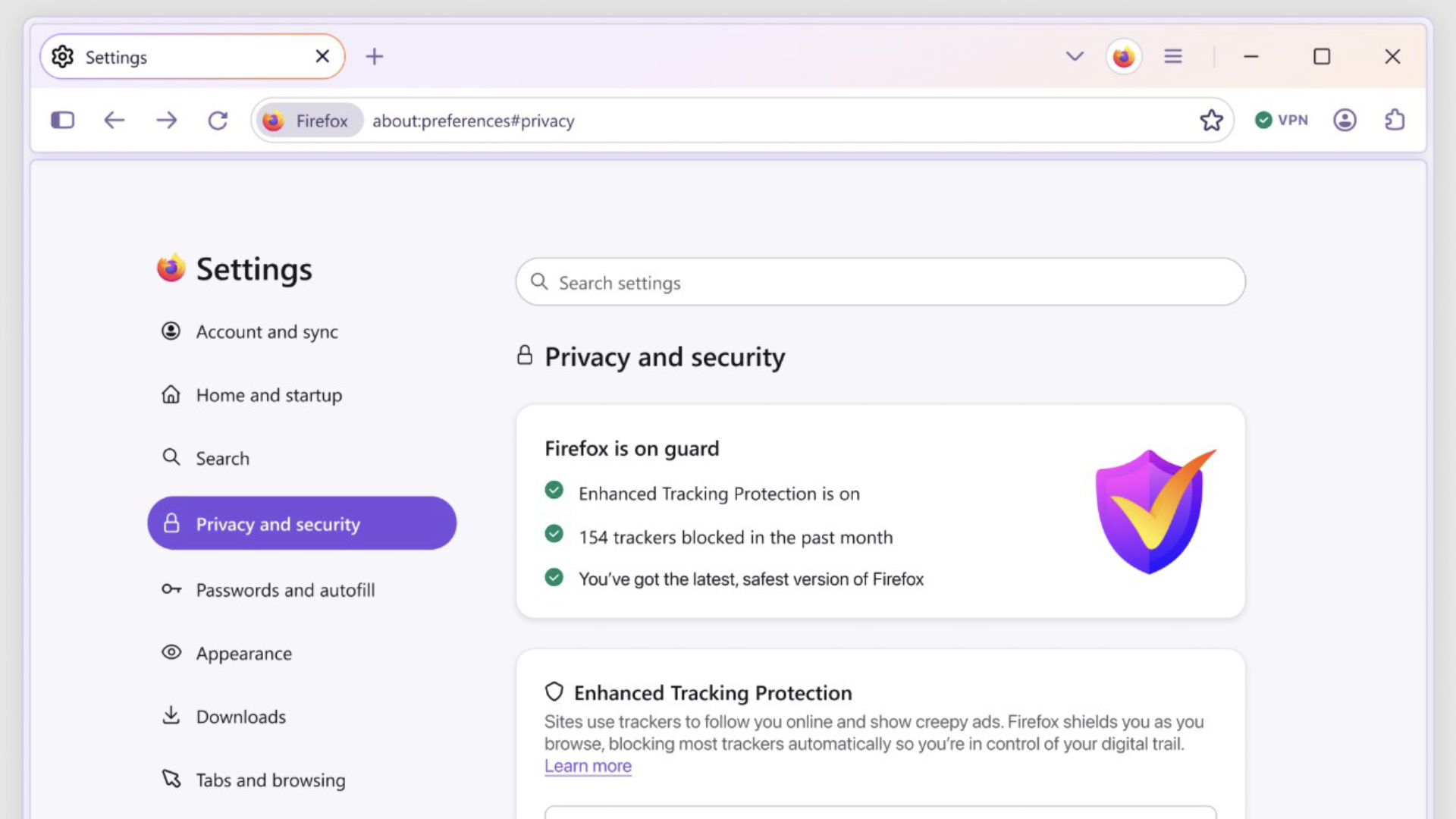
Should we have more of an ability to simply 'turn off' AI features and controls in the software and tools that we use? Mozilla has unveiled an early look at 'Project Nova' – a major redesign of Firefox that's due to roll out later this year which does exactly that. On the surface, the update focuses on speed, better visuals, user experience and cleaner browsing. But one of the most notable changes sits within the settings menu, and could say something bigger about the future relationship between people and AI.
As part of the redesign, Firefox is introducing clearer controls that allow users to turn off all present and future AI features entirely. This comes at a time when artificial intelligence is increasingly being layered into products by default.
Firefox is designing for opt-out AI
For years, the technology industry has largely followed a familiar pattern: introduce a new capability, switch it on automatically, and allow users to find the controls later. Project Nova is clearly following a different path, giving users more control about the extent to which they use AI, if at all. This redesigned settings experience is intended to make decisions around privacy, data and AI easier to understand and easier to act upon. That includes a dedicated option to disable AI functionality altogether, creating a framework that extends beyond current tools and applies to future AI additions, too.
Rather than asking users to repeatedly manage individual AI features as they appear, Firefox is introducing the idea of persistent user preference, so people can make intentional decisions as to whether they want to apply features and controls more holistically and have those controls in place for longer periods (or until they're switched back on/off again).
The move also arrives with an important clarification – Firefox says AI models and features are not downloaded to users’ devices unless those features are actively used. Even so, the existence of a master control suggests Mozilla believes visibility and choice really matter just as much as technical implementation.
Will AI controls become a new standard feature?
Project Nova raises an interesting question for browser design: should AI controls become as normal as privacy settings?
For years, browsers have competed around speed, security and interface simplicity. Increasingly, they're also becoming in-sync with AI tools, offering the ability for summarisation, assistants, search enhancements, content generation and automating certain tasks. While some people find these tools helpful and want AI deeply embedded into their browser experience, for others these AI features either aren't wanted or needed. Some people may prefer minimal intervention, fewer downloads or more boundaries around data processing. Many users may simply want clarity about what’s happening and when. If this is reshaping how we all think about internet browsing, then maybe the real design challenge is no longer incorporating AI features – it’s building more controls around how and when they're used, and that opting out of using them shouldn’t require technical confidence or multiple layers of menus.
Project Nova isn't just about AI controls
Project Nova also offers improved visual updates like softer tabs, more rounded interface elements, refreshed icons and a warmer colour system inspired by fire. Mozilla is also redesigning navigation and productivity features, making tools like tab groups, split view and vertical tabs easier to reach while bringing back compact mode following user feedback.
The company says it's also improved page performance over the past year, and continues to position privacy and speed as two main priorities. There are also plenty of opportunities for users to create customised elements with more advanced themes, wallpapers and changes that can be made to the visual shape of interfaces.
Generally speaking, all of these updates point towards a browser that's designed to adapt to new technologies like AI, without forcing them onto users. As AI becomes an included expectation in the way we use technology, the question may no longer be about whether products include it, but whether users get to decide when to include it, via a settings menu.


